Choose the Right Mode for Every Situation
Three Convenient Video Modes
You can choose from three video modes depending on your needs: Communication Mode, Remote View Mode, and Presentation Mode. As long as you are on a call, you can start or stop video and switch modes as often as you like.
Communication Mode
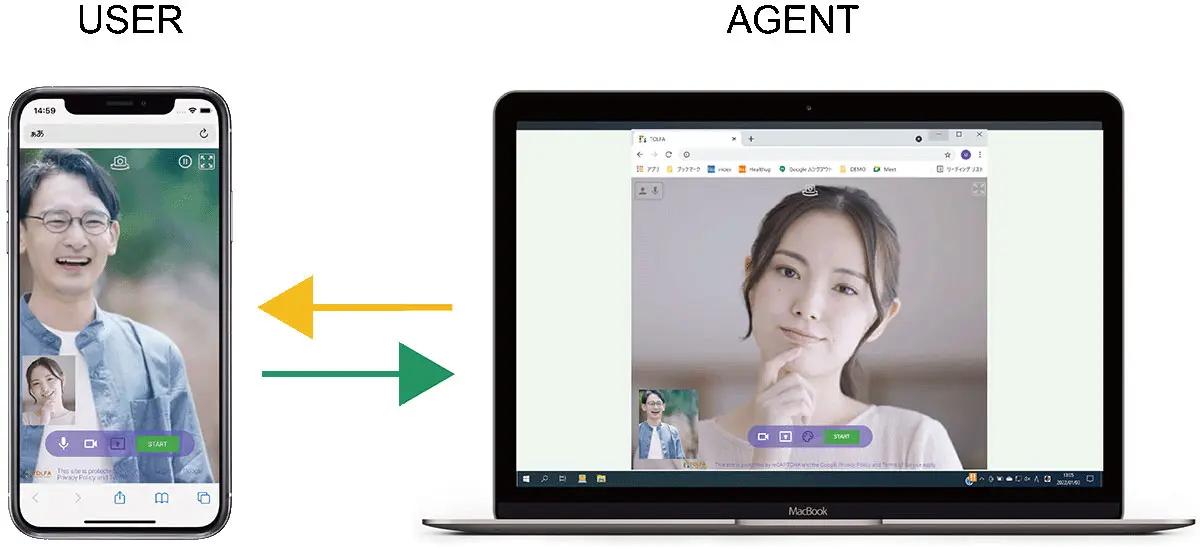
This mode allows two-way video. An agent can start video with a simple action. The customer just taps the “Allow Video” button shown on the screen to begin.
Remote View Mode
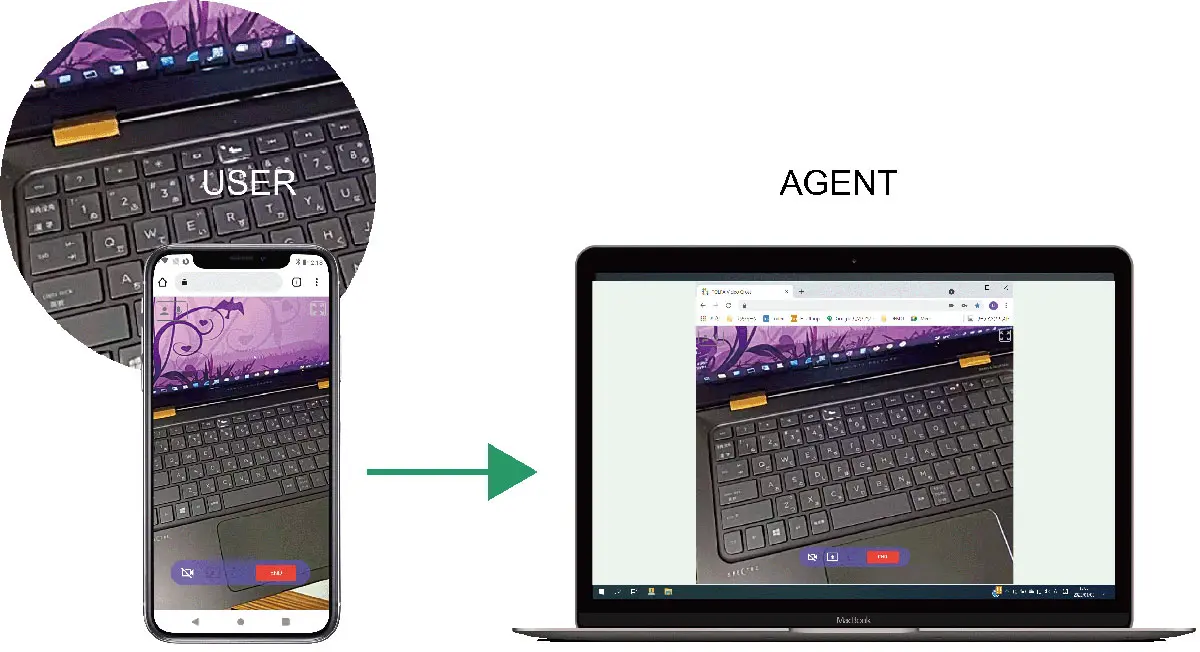
This is a one-way video mode where the customer sends video to the agent. Customers can use a smartphone, tablet, or PC, and on smartphones or tablets they can switch between the front and rear cameras. This mode is useful for remote support, such as checking device settings, guiding repairs, or sharing a live view from the field.
Presentation Mode
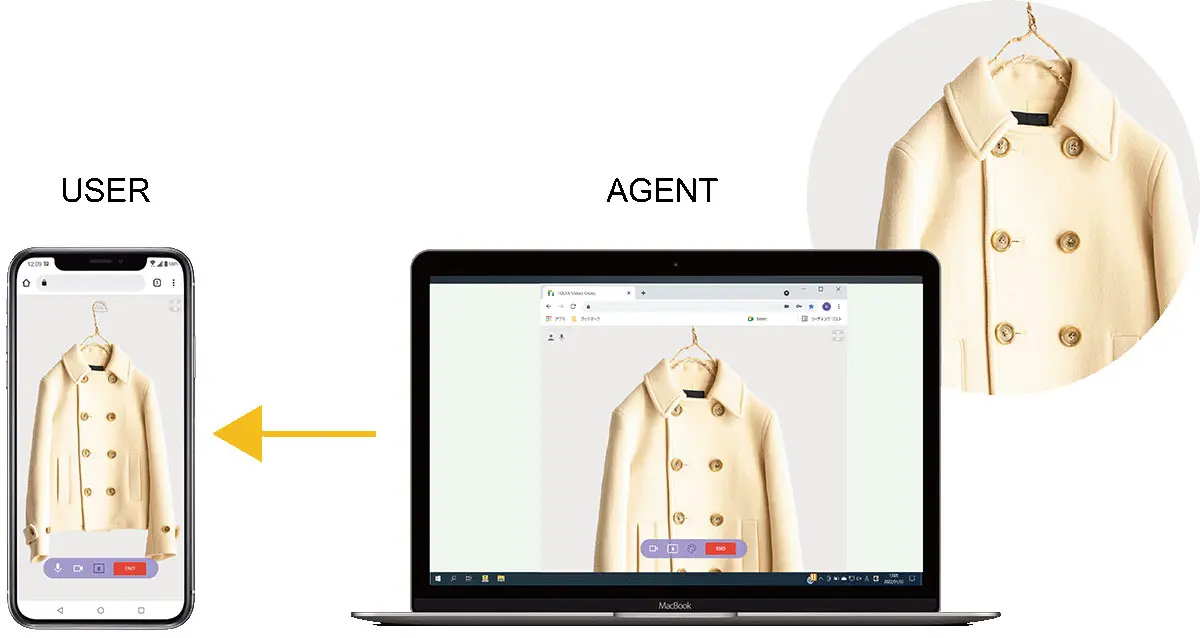
This is a one-way video mode where the agent sends video to the customer. Agents can show documents or explain products by presenting video directly to the customer.