Video Calling through Your PBX
Use Video Calling even with Your PBX
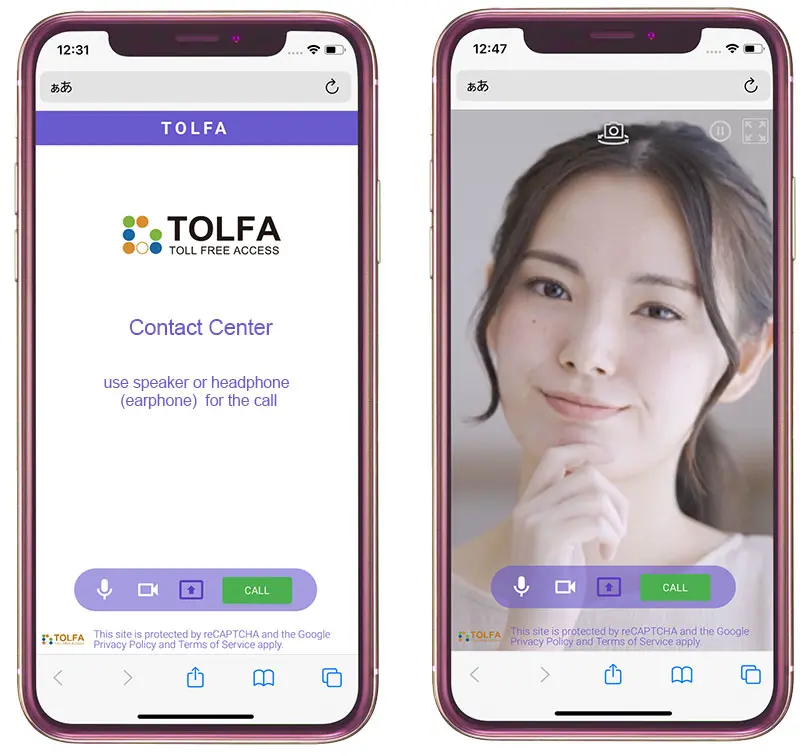
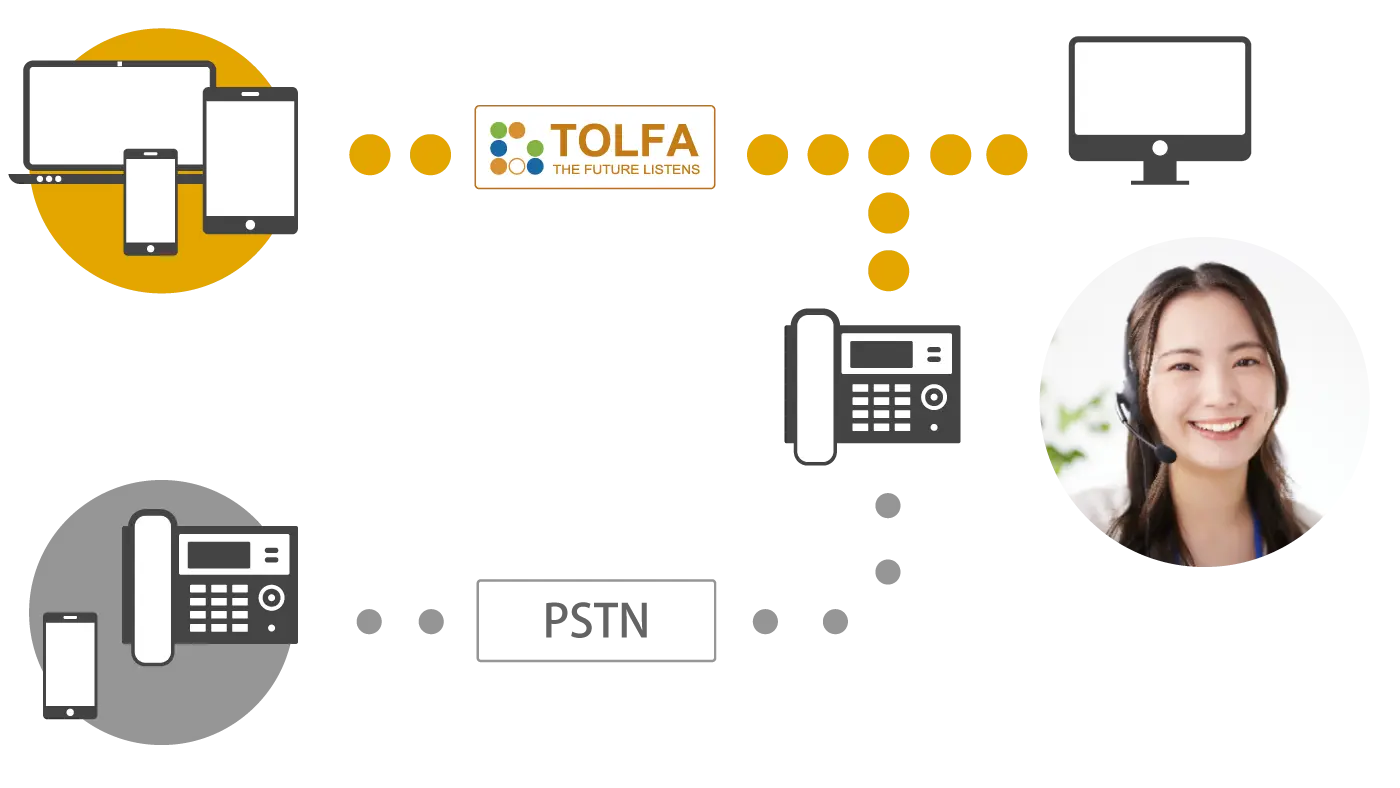
TOLFA is a service that lets contact centers receive free web-based calls through their PBX and add video calling when needed. Because it does not use phone lines, there are no call charges. While talking with a contact center agent through a web interface, anyone can start a video call at any time during the conversation. You can turn video on or off whenever you like and choose from three modes depending on your needs.
No SMS Required
There is no need to send SMS messages or handle extra steps. An agent can start video with a simple action.
Three Modes for Different Use Cases
Choose the mode that fits your situation. During a call, you can switch modes and start or stop video as many times as you want.
Agent-Controlled for Peace of Mind
Video can only be started by the agent. Customers simply approve the video request with an easy step.
Helpful Marker Feature
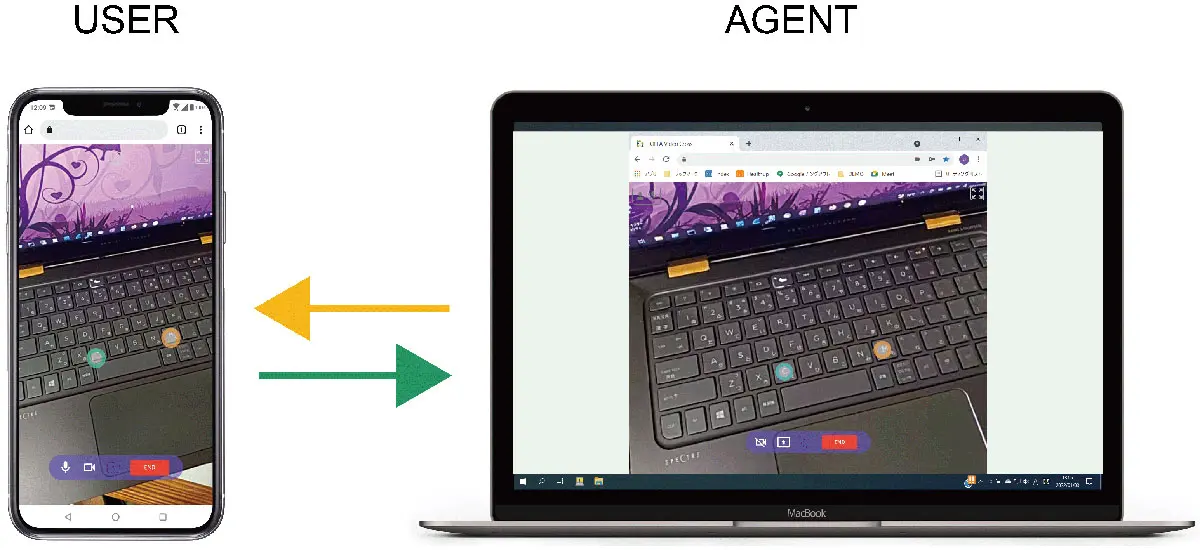
You can point to a specific spot on the screen and show it to the other person using markers. Both the customer and the agent can place markers.
Keep Using Your Existing PBX
No change to your current operations
You can start or stop video freely during a call. Video is optional, so you can also continue with voice only. Because your PBX stays the same, you can keep using call recording, IVR, and speech recognition just as before. With a simple action, an agent can start a video call with the customer.
Three Convenient Modes
Screen sharing included
You can choose from three modes depending on your needs. During a call, you can start or stop video as often as you like and switch modes at any time. Screen sharing is also available.


Marker Feature for Video and Still Images
Also available during screen sharing
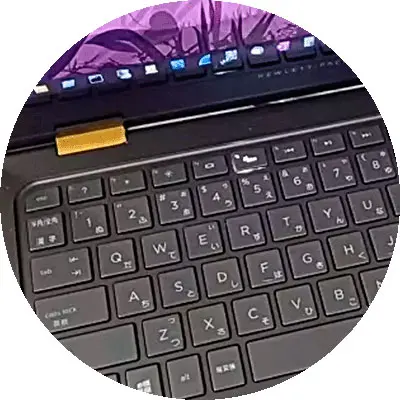
You can show the spot you point to on the other person’s screen, and see their pointed spot on your own screen. In addition to marking live video, you can also add markers to paused snapshots. (Available in Remote View Mode, Presentation Mode, and Screen Sharing.)
Pause Video when Needed
Both customers and agents can control it
Video can be paused and resumed at any time. Both the customer and the agent can control playback, so you can stop and restart video as needed during the conversation. (Available in Remote View Mode and Presentation Mode.)
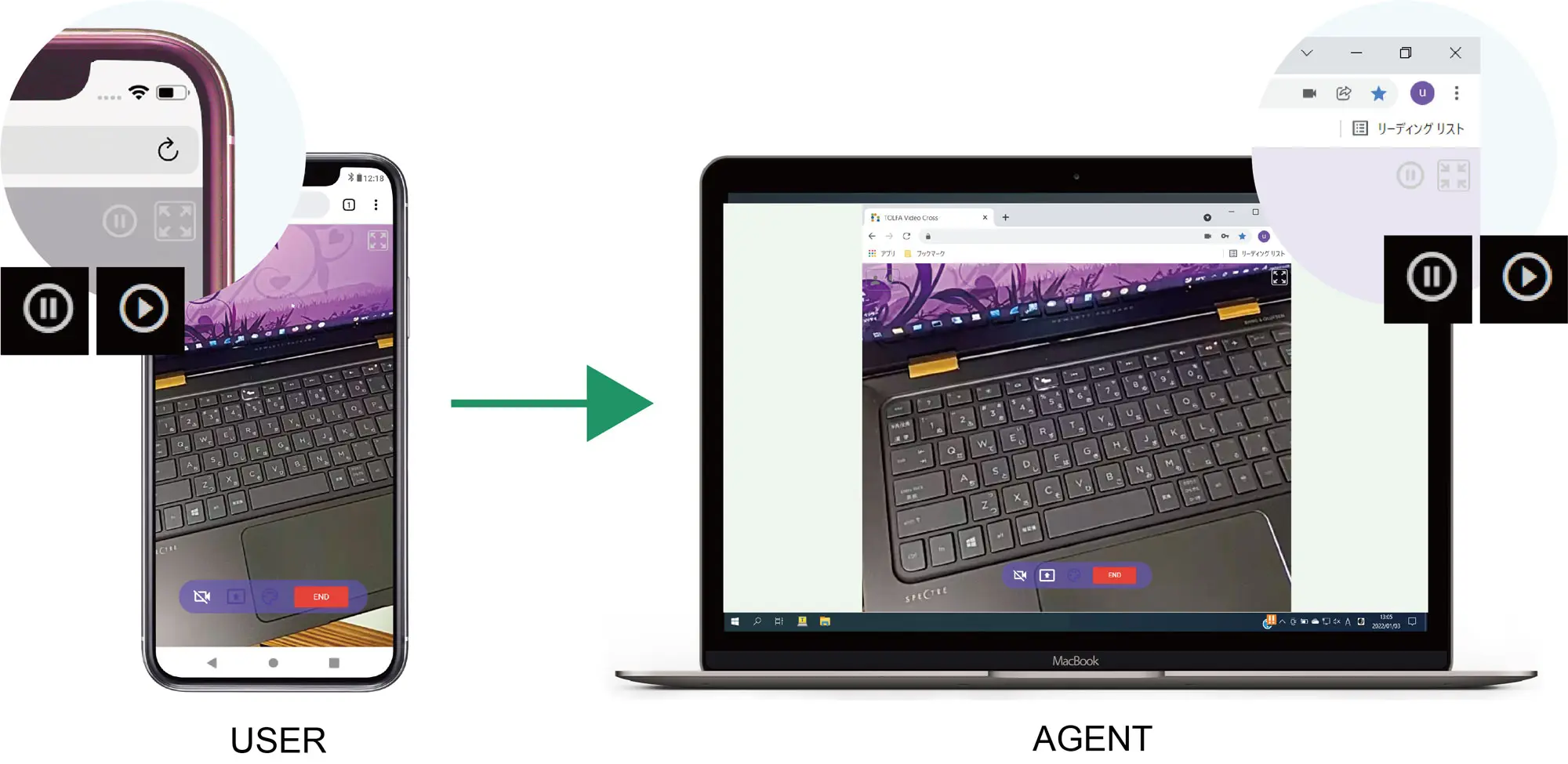
Adjust Display between Smartphones and PCs
When viewing video from a smartphone on a PC, part of the image may not be visible. You can switch the display to view the full image clearly.
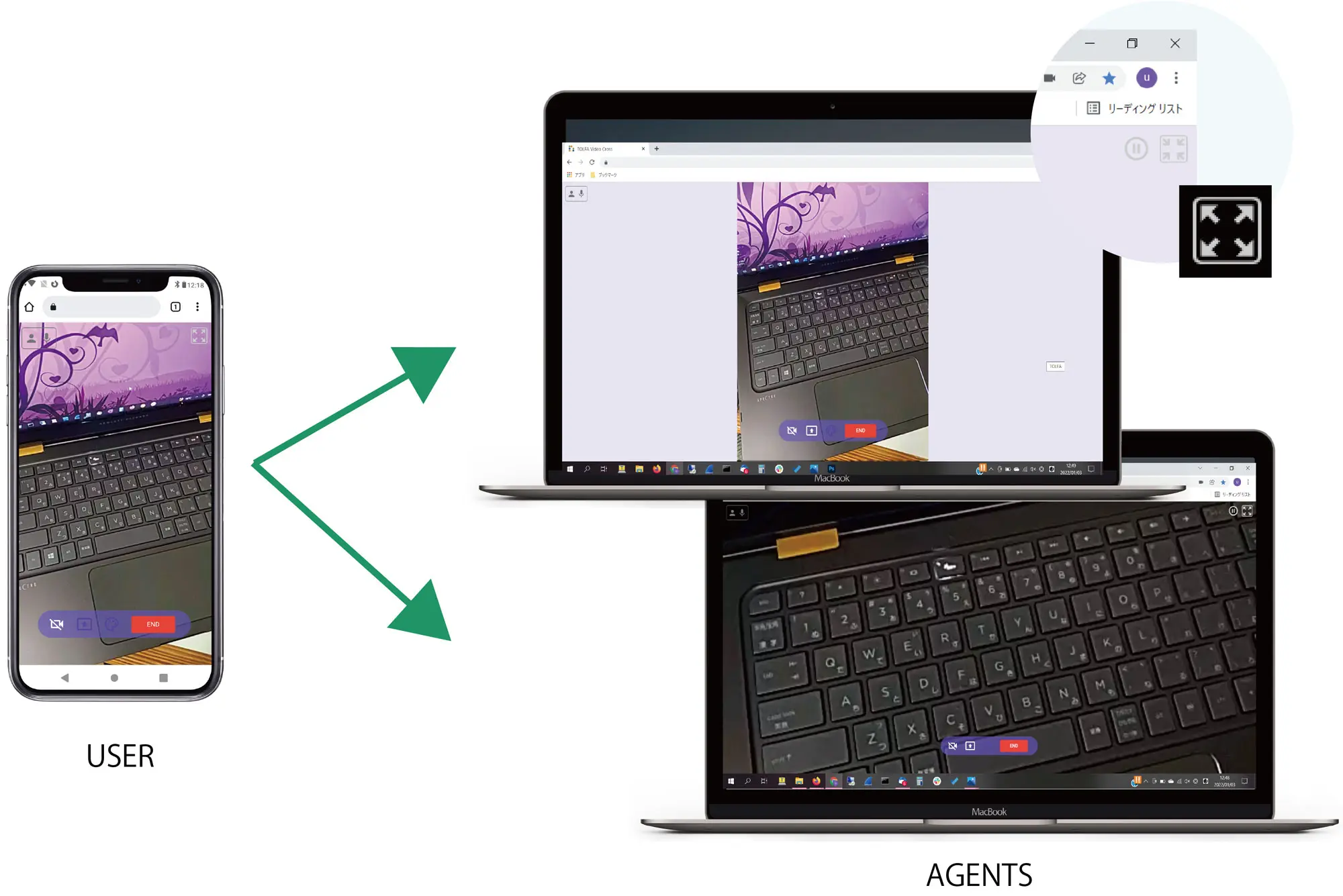
Designed for Safe and Comfortable Use
Agent-controlled for peace of mind
The conversation always starts with voice, then switches to video if needed, so customers are not surprised by sudden video calls. Only agents can start video, and customers simply approve it with a quick action. You can start or stop video as many times as you like during a call. Video is optional, so voice-only calls are always possible. By switching modes, you can choose one-way or two-way video, avoiding unnecessary video use.
No App Installation Required
Customers do not need to install any applications. They can start the conversation by opening a dedicated web page through a button link, banner, or QR code on your website.
Works on More Than Just Smartphones
Available on PCs and tablets
In addition to smartphones, customers can talk with agents from tablets and PCs. Supported browsers include Safari, Chrome, Firefox, and Edge on Android, iOS, Windows, macOS, and Chrome OS.