Identify Devices Using QR Codes
Example for Medical Device Manufacturers
Pass Device Details From the Browser to the PBX
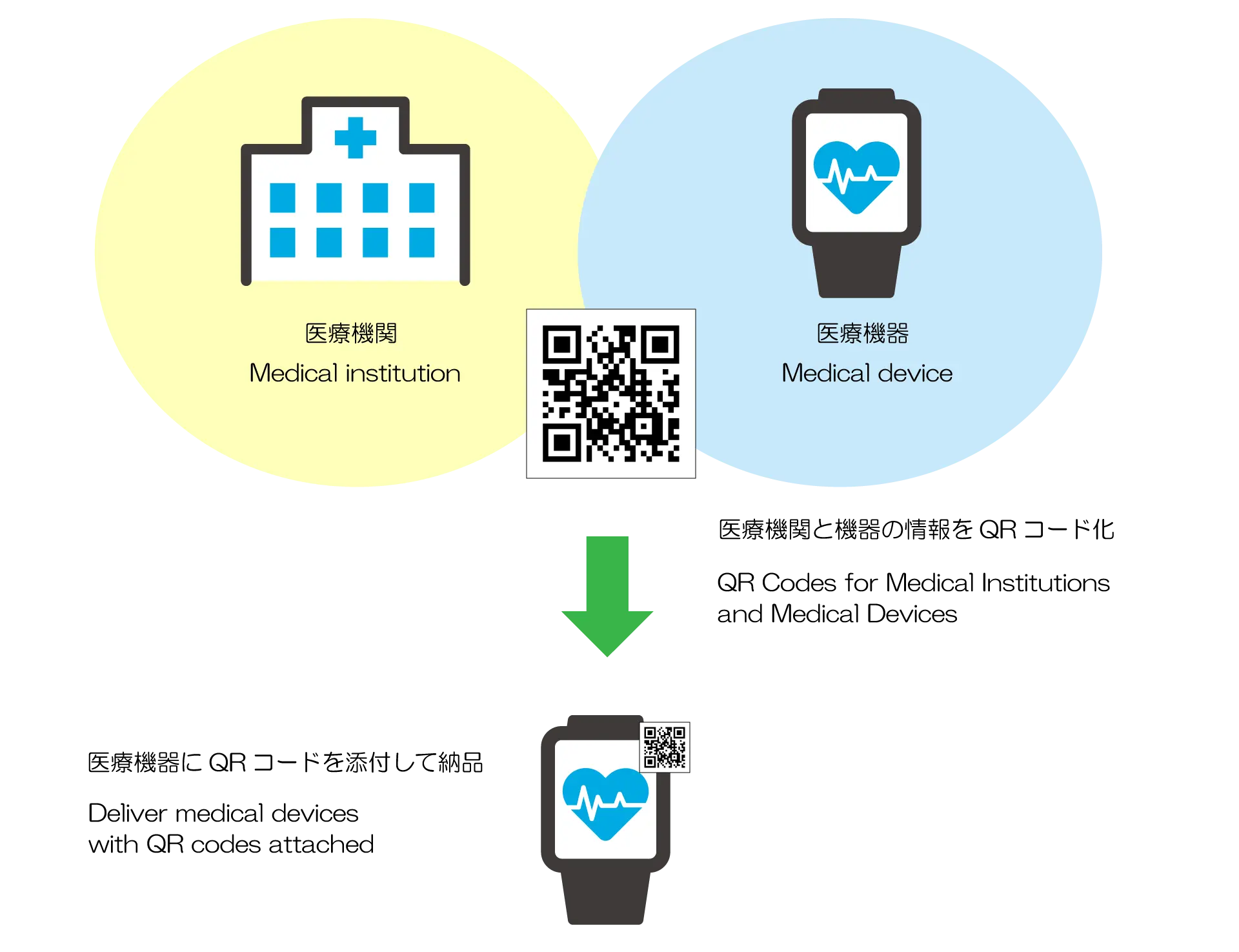
You can create a URL in advance that includes information used to identify the medical facility and the device. A QR code generated from this URL can be placed directly on each individual device. The information included in the URL can be defined freely, allowing you to adjust it to match your operational needs.
Start a Call and Pass Details With a Single Tap
Each QR code placed on a medical device can include details about the device, the medical facility, and where the call should go. After scanning the QR code, the customer can start a call to the intended destination with a single tap. When an agent answers, the agent can immediately see the passed details on their screen. Agents can review this information through their existing CTI or CRM screens. Video calls are also available, allowing agents to view the device while speaking with the customer.